
I’ve been trying to get better at guitar for the last 33 years. I started on electric, but I eventually sold my first electric guitar to go acoustic, and that’s where my heart has stayed: I love Bob Dylan and the blues. The trouble is that I never get as much time to practise as I’d like, so whatever time I do get needs to be easy to start and fun enough that I keep going.
Scale charts in books are static, chord diagrams only show one shape, and practising on your own can get dull quickly. So I built my own practice app, Threat Board. It shows scales and chords on an interactive neck, listens to you play through your computer’s microphone, and turns practice into games.
Scales, chords and a tuner
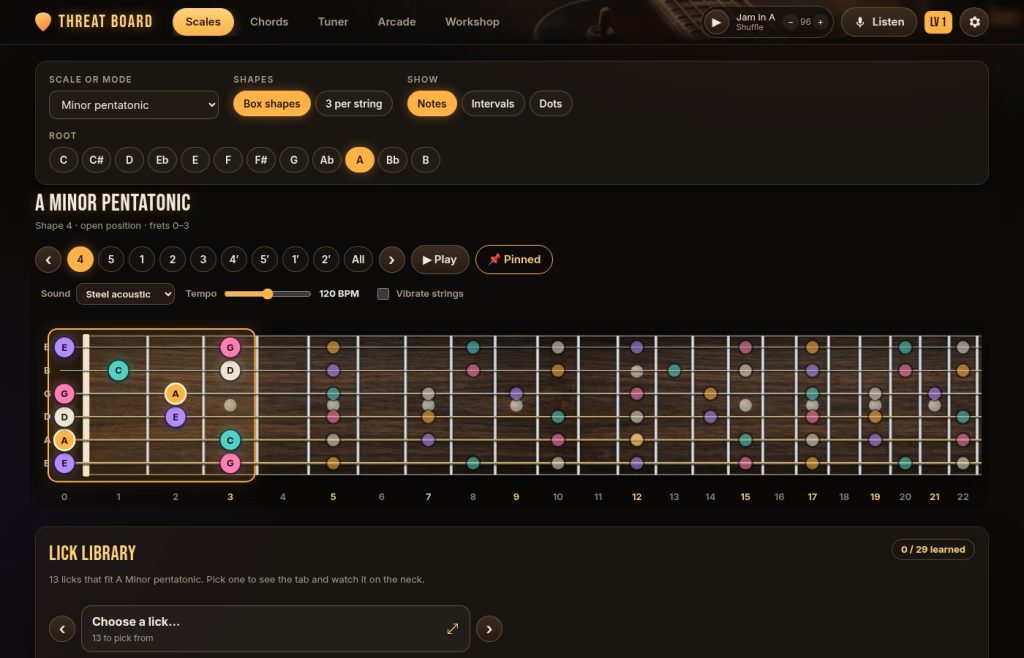
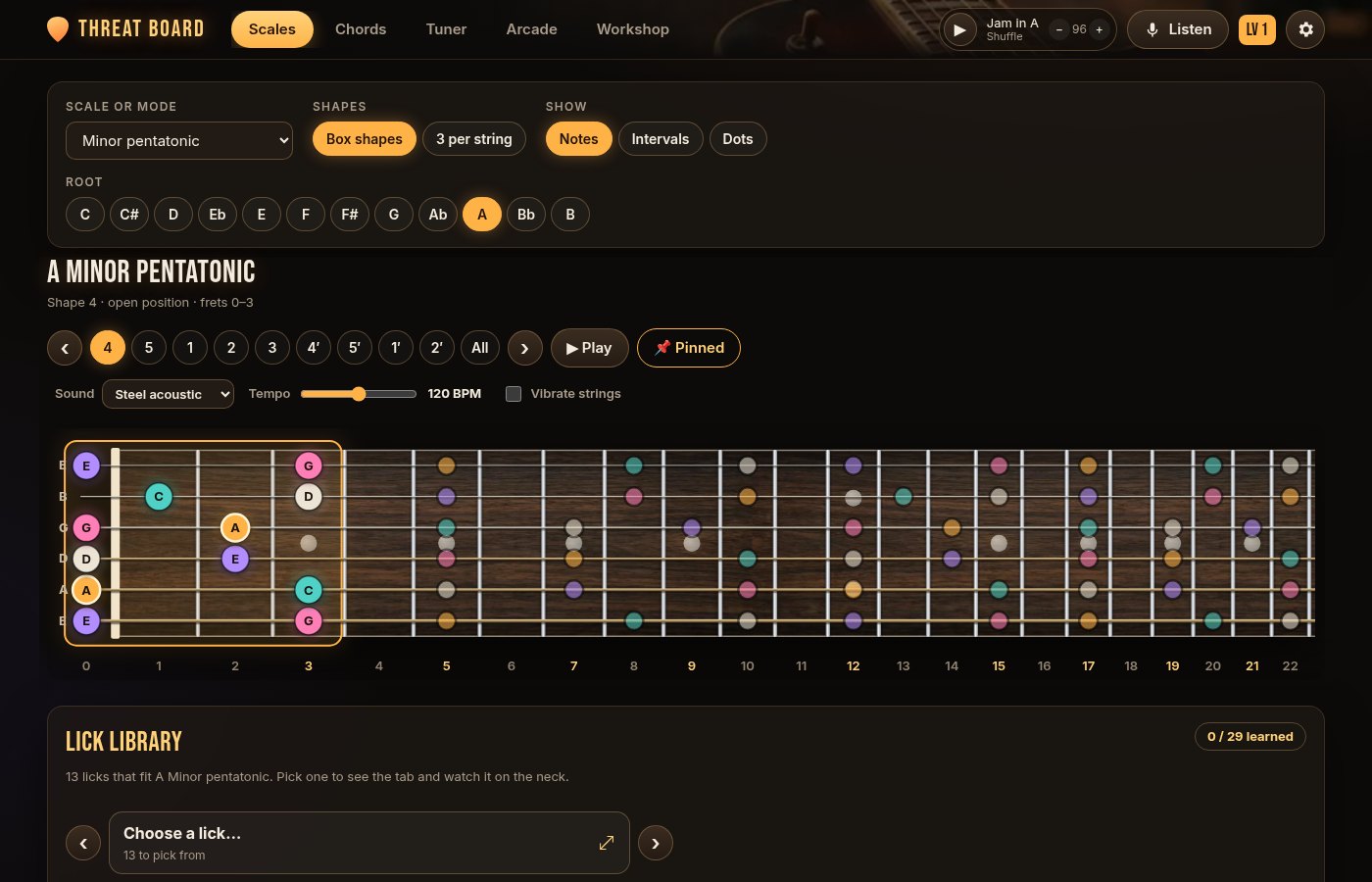
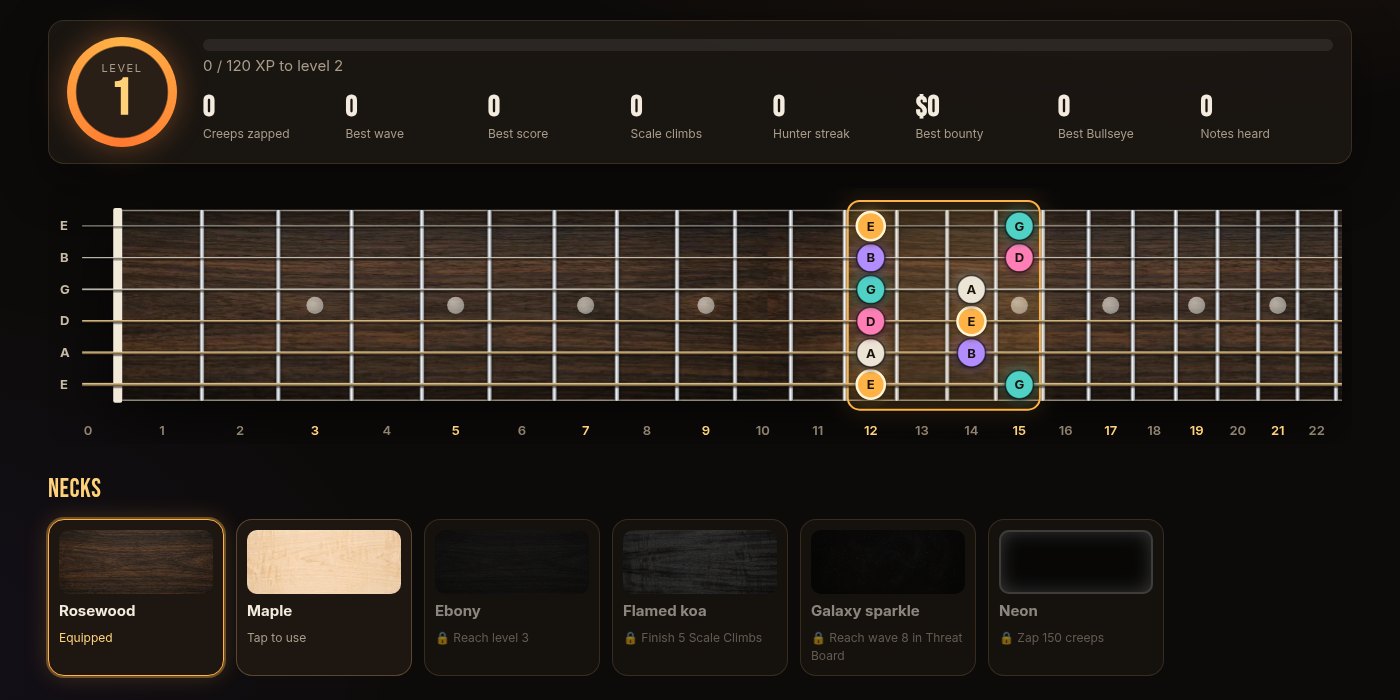
The Scales tab covers 16 scales and modes in any key, in box shapes or three notes per string. The shape you’re working on glows, and the rest of the scale stays faintly visible, so you can see how each shape joins the next. You can show note names, intervals or plain dots, and press Play to hear it. Underneath there’s a 12-bar blues jam track to play along with (the blues fan in me wasn’t going to leave that out), and a lick library of short phrases written as tab. When you play a lick, the neck animates the slides, bends and hammer-ons.
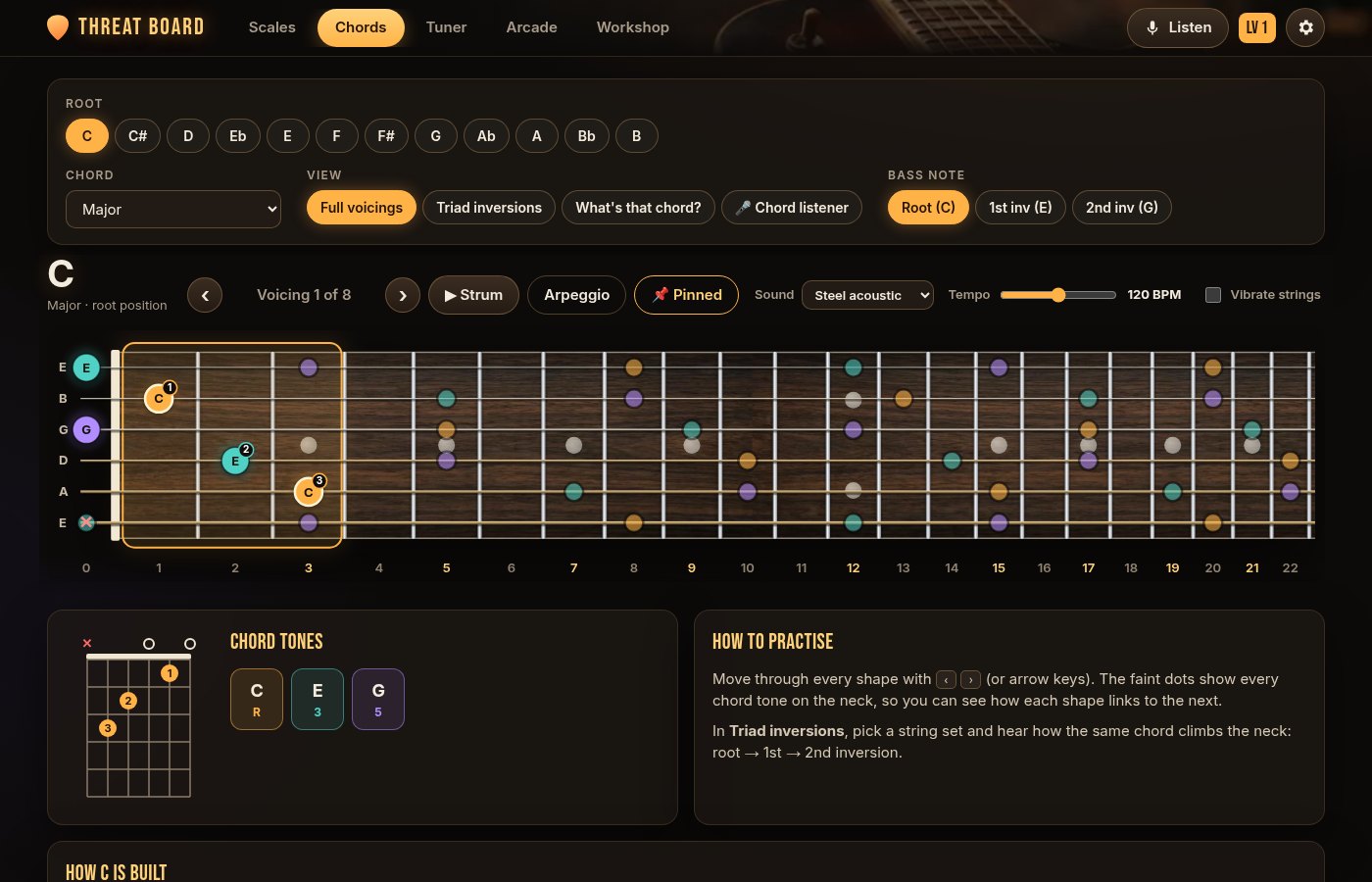
The Chords tab finds every playable voicing of a chord across the neck, with finger numbers and a chord box, plus inversions and a short “how it’s built” lesson for each chord type. The chord listener names the chord you strum and can write a simple chord chart as you play. There’s also a tuner with a needle gauge and seven tunings.
The Arcade: practice that listens
This is the part I’m proudest of. The games use the microphone to hear which note you play, so you practise on your real guitar, not by clicking.
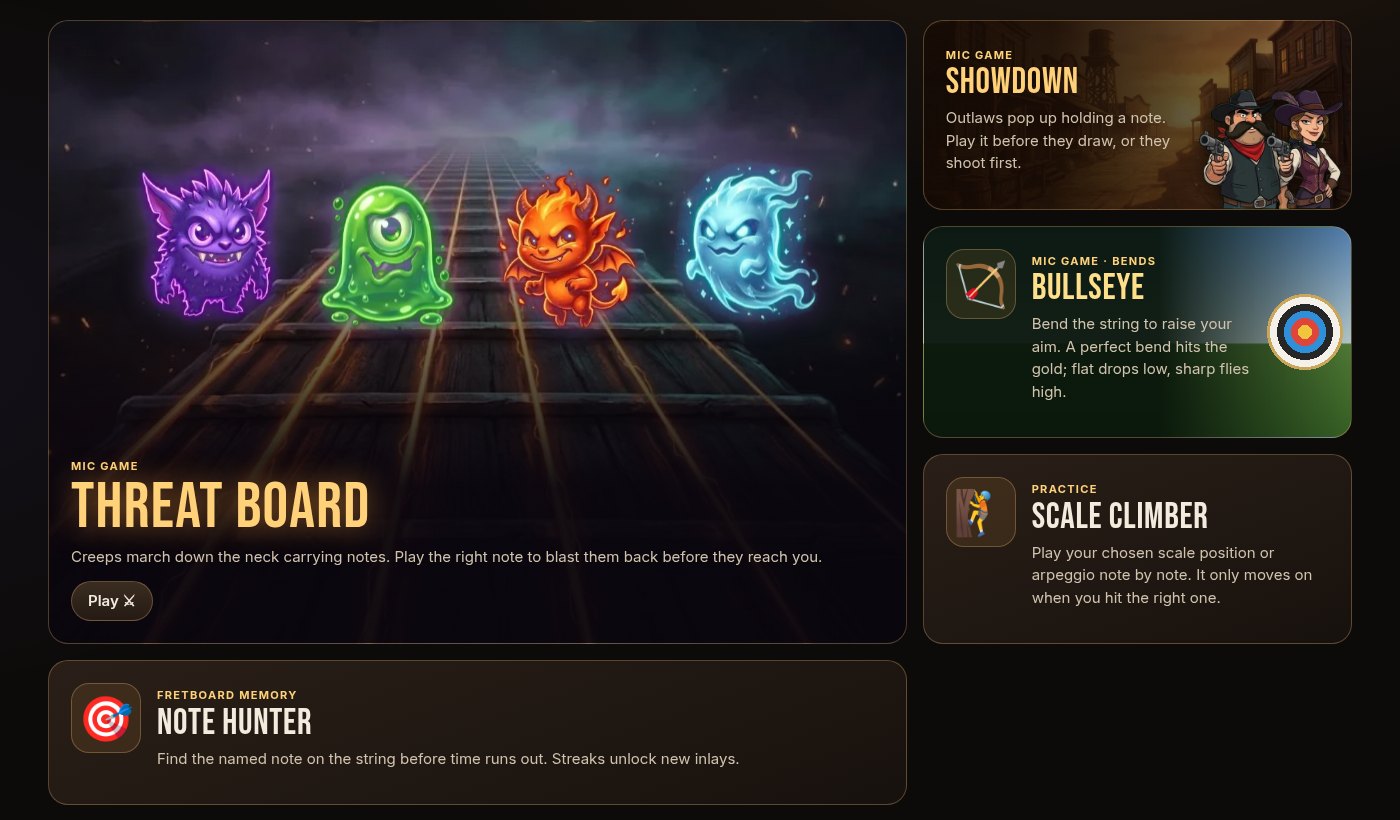
- Threat Board: creeps march down the neck carrying notes. Play the right note to blast the nearest one back.
- Showdown: outlaws pop up holding a note. Play it before they draw.
- Bullseye: archery with string bends. Bend the string up and the bow’s sight rises with the pitch; a perfect bend hits the gold, while a flat bend drops low and a sharp one flies high. It’s a sneaky way to train your ear for bending in tune.
- Scale Climber and Note Hunter: quieter practice that only moves on when you play the right note.
Playing earns XP, and the Workshop lets you spend your progress on new looks: maple, ebony, flamed koa and neon necks, different fret inlays, and gold frets. It’s a small thing, but unlocking a new neck is a surprisingly good reason to do one more round of practice.
How it came together
I built Threat Board with an AI coding assistant, starting with the things I actually needed for my own practice: scales in several positions with the current one easy to spot, chords and inversions, and a tuner. Once those worked, I used it, noticed what got in the way, and asked for the next thing. That’s how the jam track, the lick library and the chord listener arrived, each in an evening or two, followed by lots of small fixes like “pin the neck so it stays on screen while I scroll”.
The trickiest part was listening. Working out which note a guitar is playing from a microphone is harder than it sounds, because each note has a strong pattern of overtones that can fool a simple detector. The app uses a well-known pitch-detection method, and testing it meant feeding it pure computer-generated tones before trying a real guitar. Recognising whole chords goes a step further: the app splits the sound into the 12 notes of the scale and matches the pattern against chord shapes.
It’s all plain HTML, CSS and JavaScript with no build step. Your progress is saved in your own browser, and the microphone sound never leaves your computer. If you play guitar, give it a go, and let me know in the comments what your best Bullseye score is.