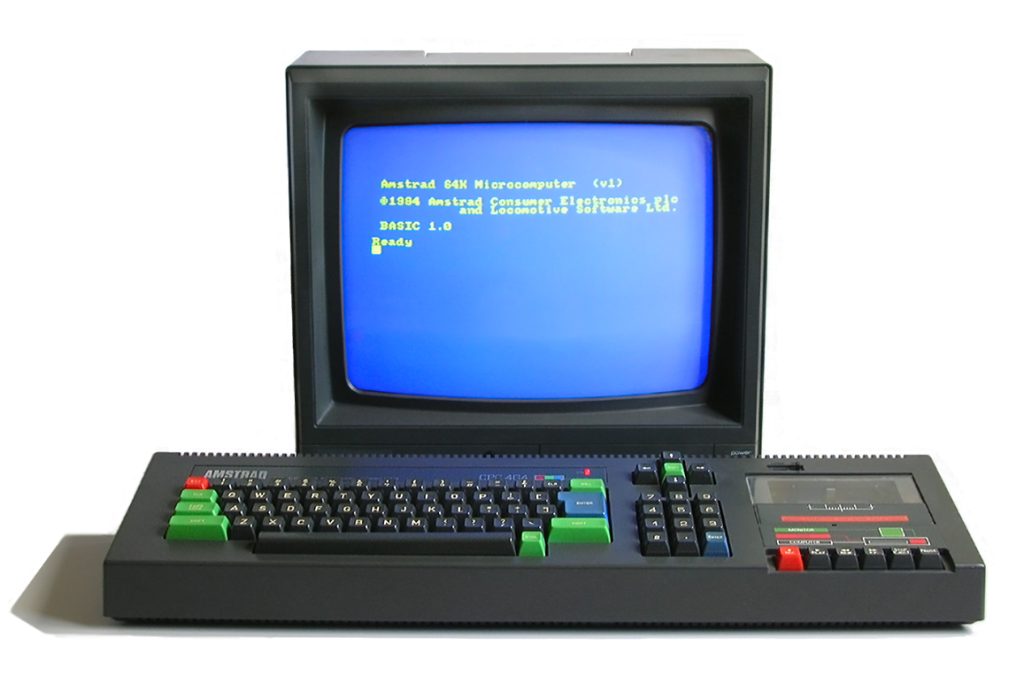

Some computers you use at school. Others you get for Christmas and they change your life a little. For me, that second one was the Amstrad CPC 464. In this post I want to share how I got mine, a bit of the machine’s history, what was inside it, the add-ons I plugged into it, and the games that ate my evenings and weekends. At the end there’s a link to an emulator so you can try it for yourself.
My story: a Christmas to remember
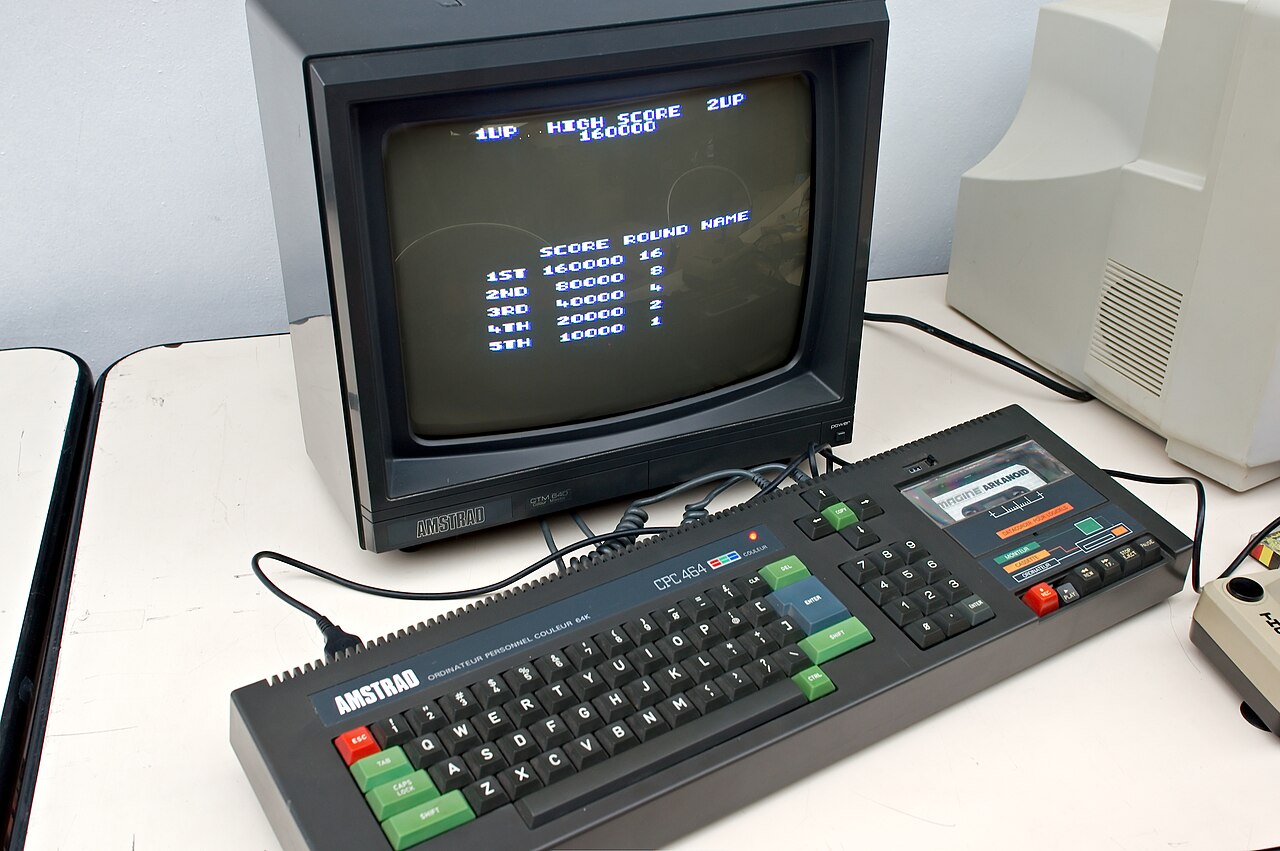
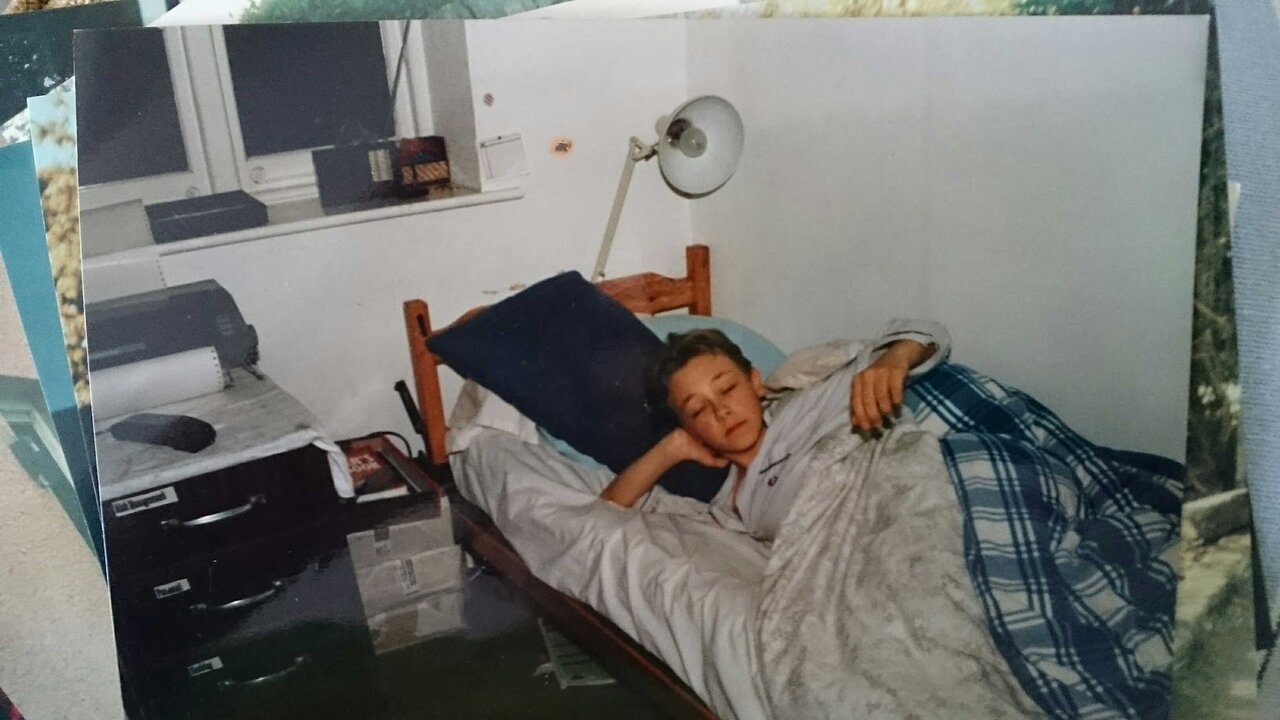
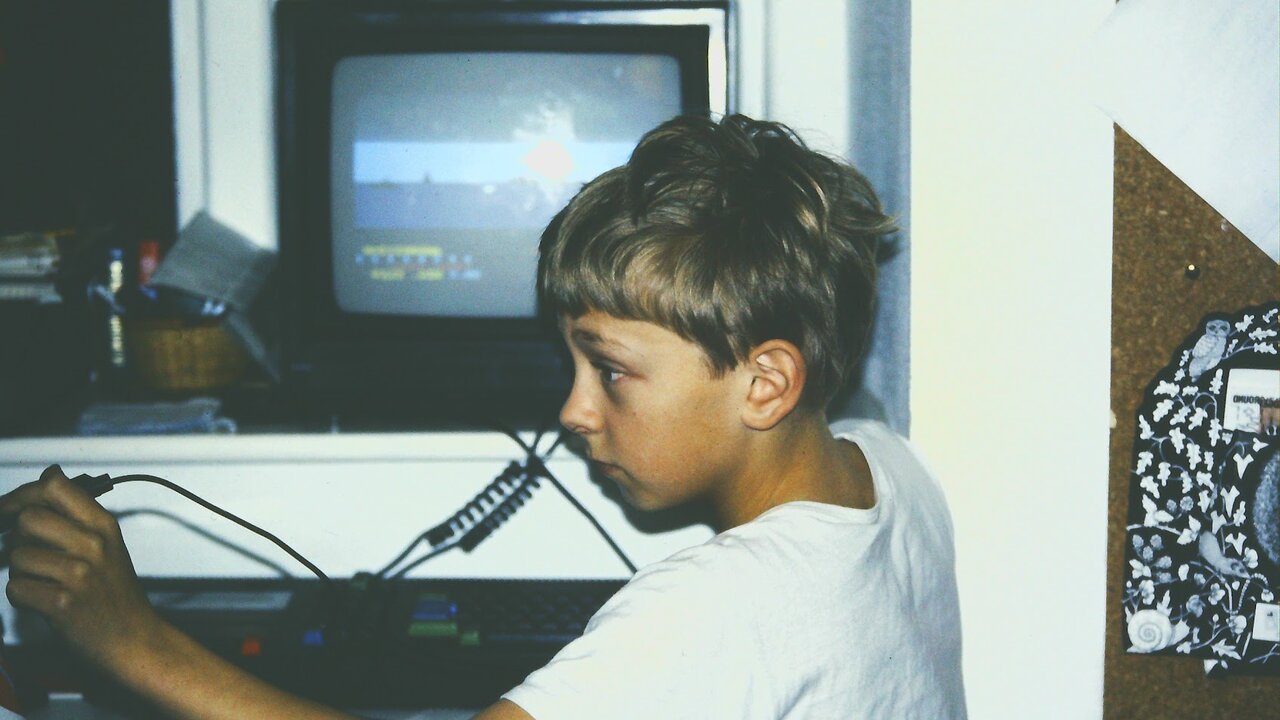
I was around 12 when my dad got me an Amstrad CPC 464 for Christmas, and not just the computer: it came with the colour monitor, which felt like the height of luxury. A lot of friends had to share the family television, or make do with Amstrad’s cheaper green-screen monitor. I had my own colour screen.
Over time the setup grew. I added an Amstrad DMP2160 printer, a light pen and a TV tuner add-on, more about those below. Most importantly, the CPC is where I learned the basics of coding. It switched on straight into Locomotive BASIC, so programming was the first thing you saw. And of course there were the games: from the Amsoft titles that came bundled with the machine, like Harrier Attack and Oh Mummy, to Beach-Head, Knight Tyme, Heavy on the Magick, Sorcery, Renegade, Ghostbusters, Radzone and many more.
A short history of the Amstrad CPC
By 1984 the British home computer boom was in full swing, with the ZX Spectrum, Commodore 64 and BBC Micro already in many homes. Alan Sugar’s company Amstrad, best known for hi-fi and televisions, decided to join in with a different idea: a complete computer in one box. The CPC 464 (Colour Personal Computer, 64 KB) was announced in April 1984 and reached the shops that summer.
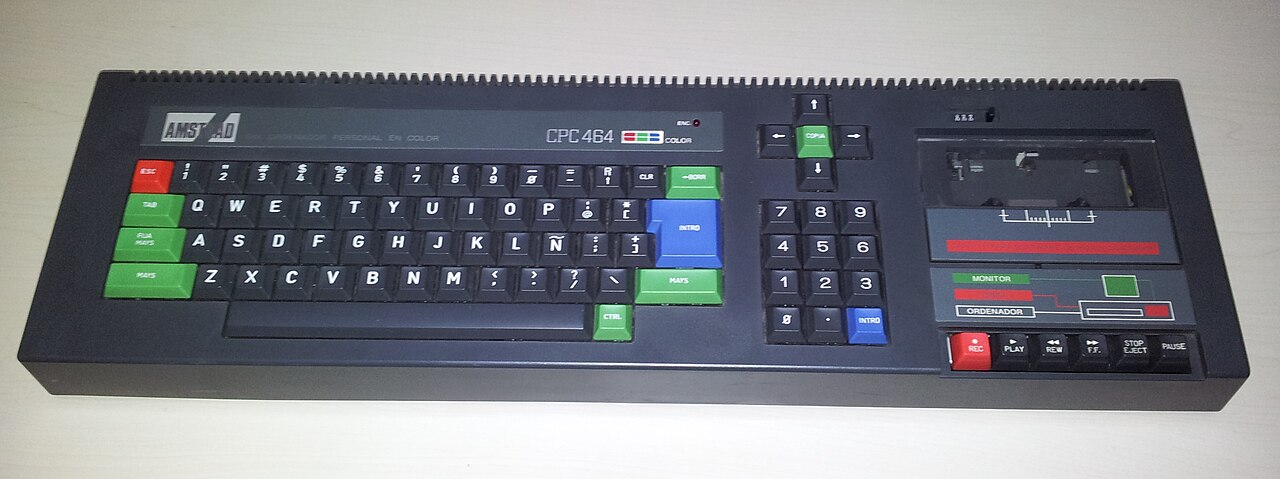
Most rivals needed a TV, a separate cassette recorder and a tangle of leads. The CPC 464 had a cassette deck built into the keyboard and came with its own monitor, which also powered the computer, so there was just one plug for the wall. It cost £249 with the green-screen monitor or £359 with the colour one. Amstrad sold it in high-street shops such as Dixons, Boots and Comet, so it was as easy to buy as a stereo.
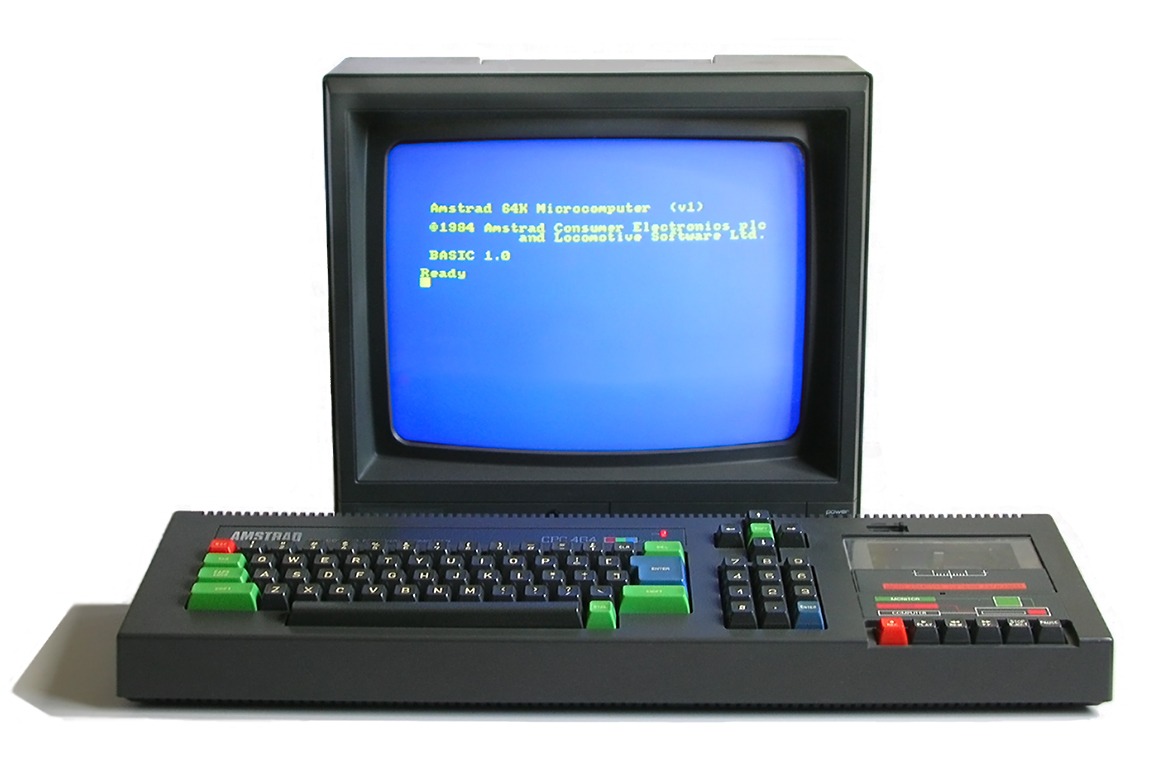
One of the lead designers was Roland Perry, who gave his name to Roland, the little mascot who starred in a string of Amsoft games. The BASIC and operating system were written by Locomotive Software. Amstrad’s own software label, Amsoft, made sure there were plenty of games and programs ready from day one, and many came free in a bundle with the computer.
Later models
In 1985 Amstrad replaced the cassette deck with a 3-inch floppy disc drive in the CPC 664, which was on sale for only a few months before the CPC 6128 arrived later that year with 128 KB of RAM. In Germany the machines were sold under the Schneider name, and the CPC was a huge hit in France and Spain as well as the UK. In 1986 Amstrad even bought the Sinclair brand and the ZX Spectrum. The range was refreshed in 1990 with the 464 Plus, the 6128 Plus and the GX4000 games console, but by then 16-bit machines were taking over. In total, around three million CPCs were sold.
What was inside: CPC 464 vs CPC 6128
Here’s how my 464 compared with the 6128, which is the model the emulator at the end of this post runs.
| Feature | CPC 464 (1984) | CPC 6128 (1985) |
|---|---|---|
| Processor (CPU) | Zilog Z80A, 8-bit, 4 MHz | Zilog Z80A, 8-bit, 4 MHz |
| RAM | 64 KB | 128 KB |
| BASIC | Locomotive BASIC 1.0 | Locomotive BASIC 1.1 |
| Screen modes | Mode 0: 160×200 in 16 colours; mode 1: 320×200 in 4 colours; mode 2: 640×200 in 2 colours. Colours chosen from a palette of 27. | |
| Sound | General Instrument AY-3-8912: 3 channels, stereo output | |
| Storage | Built-in cassette deck | Built-in 3-inch floppy disc drive (about 180 KB per side) |
| Ports | Joystick, printer, expansion port; the monitor supplies the power | |
| Monitor | GT64 green screen or CTM640 colour | GT65 green screen or CTM644 colour |
| Launch price | £249 (green) or £359 (colour) | £299 (green) or £399 (colour) |
Those three screen modes are a nice example of a trade-off you meet in GCSE Computer Science. The screen memory was a fixed size, so you could have more pixels or more colours, but not both. Mode 0 gave chunky pixels in 16 colours, which is why so many CPC games look bold and bright. Mode 2 gave sharp 80-column text in just two colours, which suited word processing.
My setup
Amstrad DMP2160 printer
The DMP2160 was one of Amstrad’s own dot-matrix printers. A print head with a column of tiny pins hammered an ink ribbon against the paper to build each letter out of dots. It was a faster version of Amstrad’s DMP2000, printing up to about 160 characters per second in draft mode, and it could also do a slower “near letter quality” mode that looked much neater. It was loud, and it used paper with holes down the sides, but seeing my own programs and pictures come out on paper was magic.
Amstrad LP-1 light pen
My light pen was Amstrad’s own LP-1. The box said “Colour Monitor Only”, and its software came on cassette from Trojan Products. A light pen let you draw or pick things straight on the screen. It worked with the way an old CRT monitor drew the picture: an electron beam swept across the screen line by line, and a sensor in the tip of the pen spotted the exact moment the beam passed under it. From that timing the computer could work out where on the screen the pen was pointing. It’s a clever bit of input hardware, and a long way from today’s touch screens.
TV tuner
The TV tuner add-on turned the Amstrad colour monitor into a television. It picked up broadcast TV and fed the picture to the monitor, so the same screen could be a computer one minute and a TV the next. Having my own TV in my bedroom as well as a computer was a big deal back then.
Learning to code in Locomotive BASIC
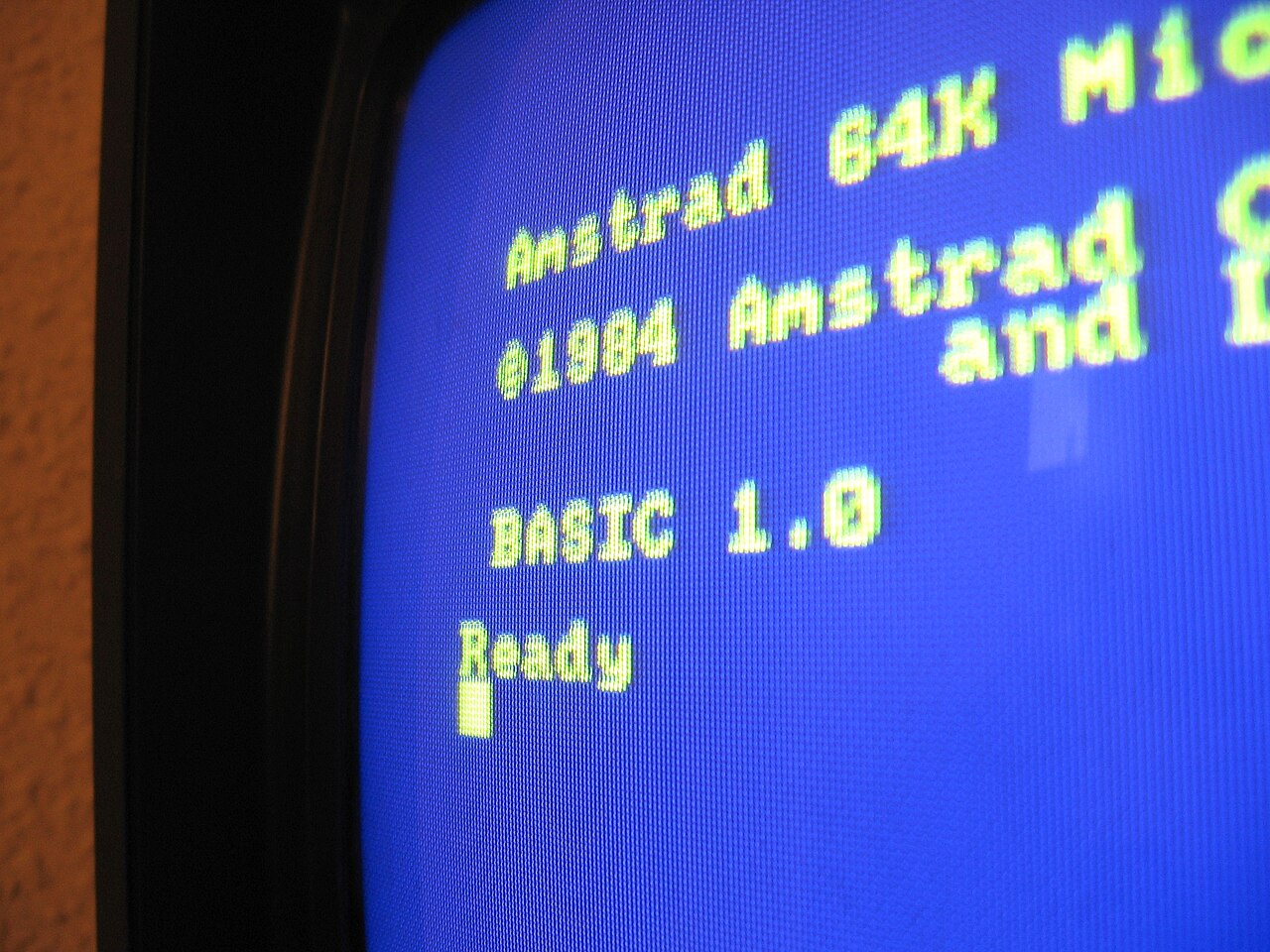
Switch on a CPC and you got a short message and the word Ready, with a flashing cursor. That was Locomotive BASIC, waiting for you. It was a good BASIC: fast, with commands built in for graphics (PLOT, DRAW), colour (INK, PEN, PAPER) and sound (SOUND, ENV). It even had EVERY and AFTER, which ran part of your program on a timer, an early taste of what we’d now call event-driven programming. The thick manual that came with the computer taught you how to use all of it.
The games
Loading a game from cassette took a few minutes of squeaks and stripes, and that wait was part of the fun. These are the ones I remember best.
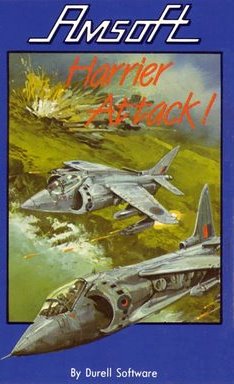
Harrier Attack (Amsoft / Durell, 1984)
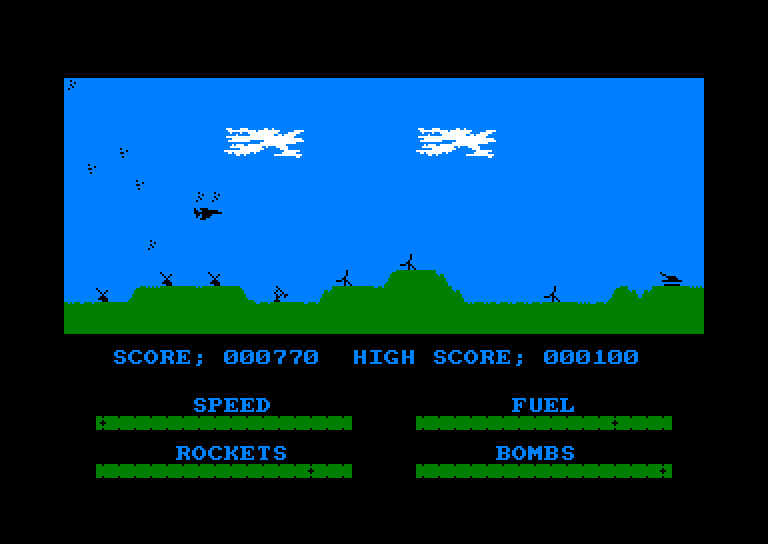
A side-scrolling shooter where you fly a Harrier jump jet off an aircraft carrier on a bombing mission, dodging enemy planes and anti-aircraft fire. It was first released by Durell Software, and around 100,000 copies of the CPC version were given away in the bundle with the computer, so plenty of CPC owners started here.
Oh Mummy (Amsoft / Gem Software, 1984)
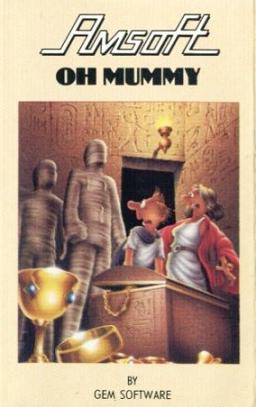
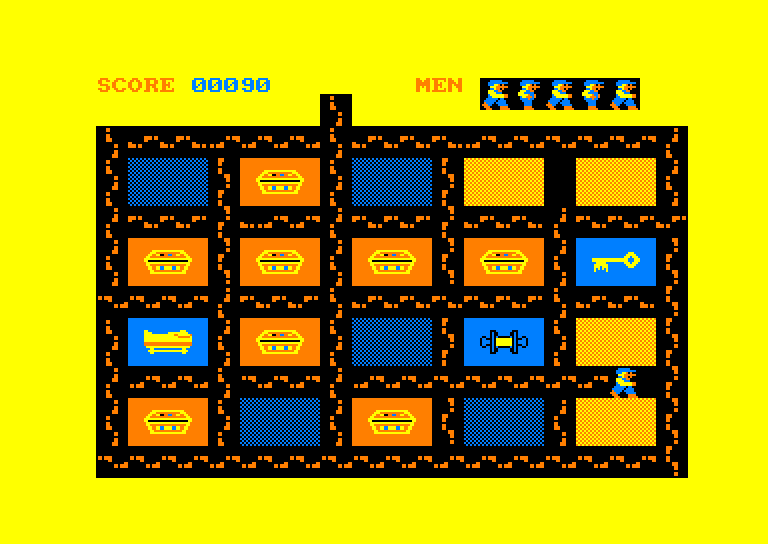
Our family favourite. You explore a pyramid, leaving footprints behind you. Walk all the way around a block and it opens to show what’s inside: treasure, a scroll that lets you defeat a mummy, a key, a royal tomb, or another mummy that comes after you. Find the key and the tomb to move on to the next level. It’s simple, the music is the old tune “The Streets of Cairo”, and it’s very hard to stop playing.
Beach-Head (U.S. Gold, 1985)
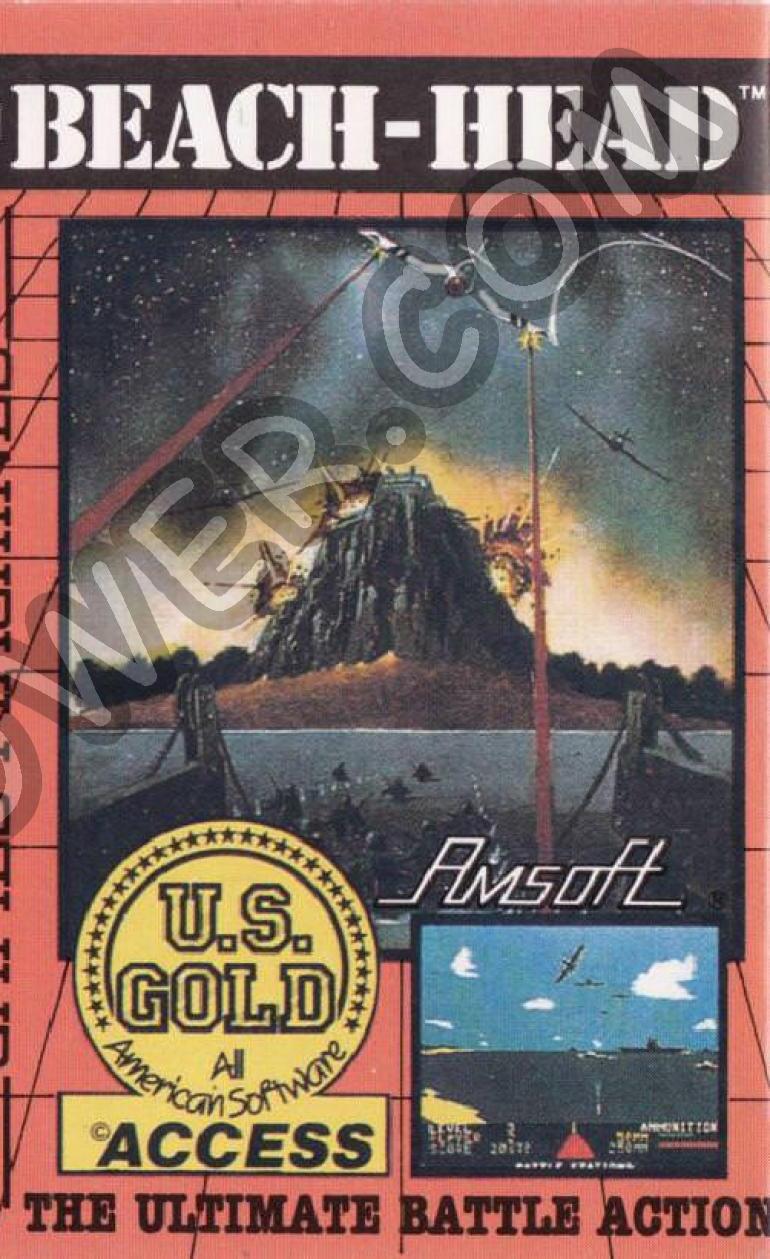
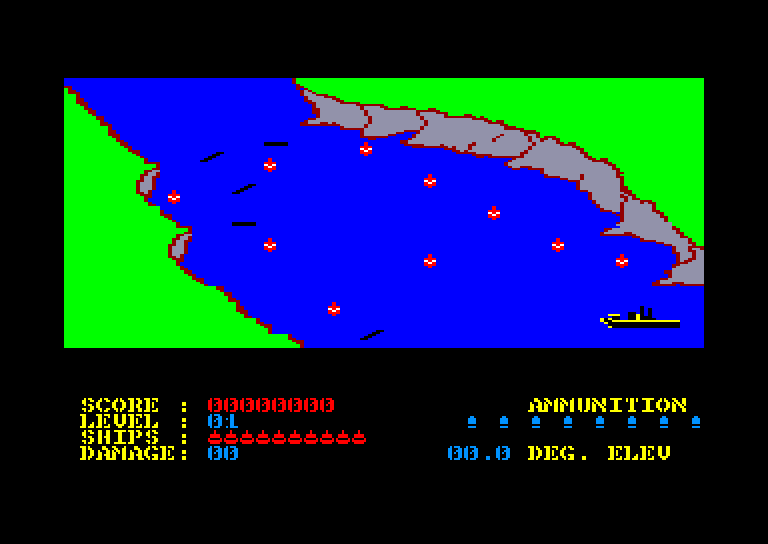
My dad’s favourite. Originally made by Access Software in the US, Beach-Head puts you in charge of an invasion: you steer a fleet through a hidden channel, fight off waves of enemy aircraft and ships, then land tanks on the beach to break through to the enemy fortress.
Knight Tyme (Mastertronic, 1986)
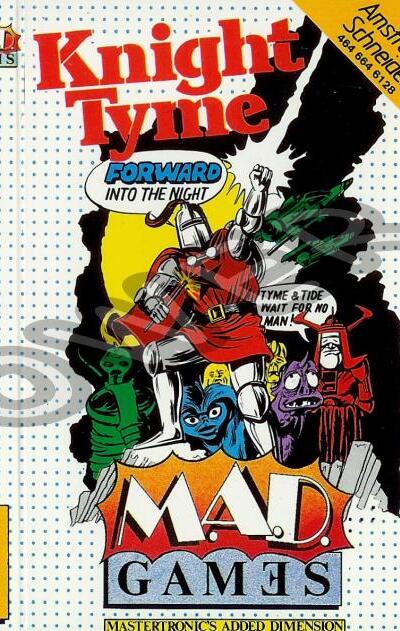
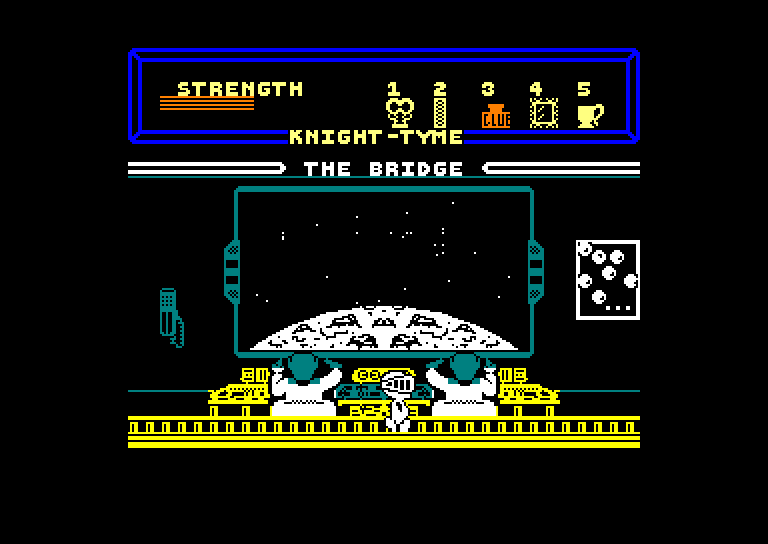
The third Magic Knight adventure by David Jones, released on Mastertronic’s Added Dimension label. Magic Knight is whisked into the 25th century aboard the starship USS Pisces, and has to work out how to get home by talking to the crew and using objects through pop-up menu windows. Brilliant value for a budget game.
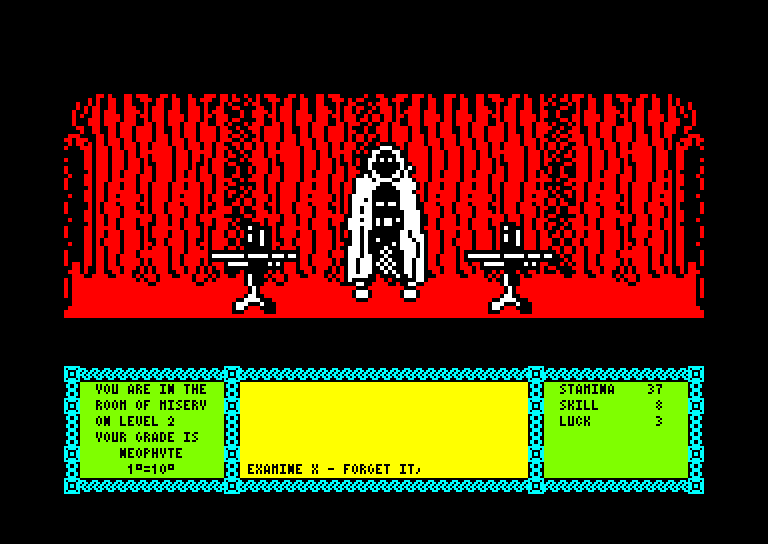
Heavy on the Magick (Gargoyle Games, 1986)
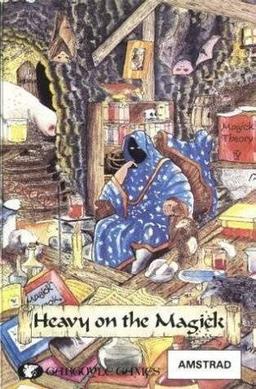
A dark, atmospheric adventure with big, detailed characters. You guide a young wizard through a dungeon by typing commands and spells, and you have to summon demons, each based on a figure from old occult books, to make progress. It felt grown-up and a bit spooky.
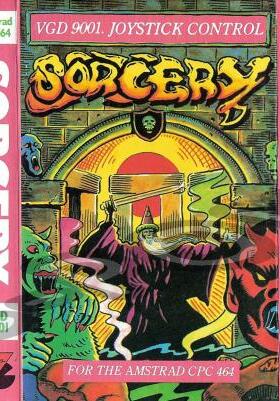
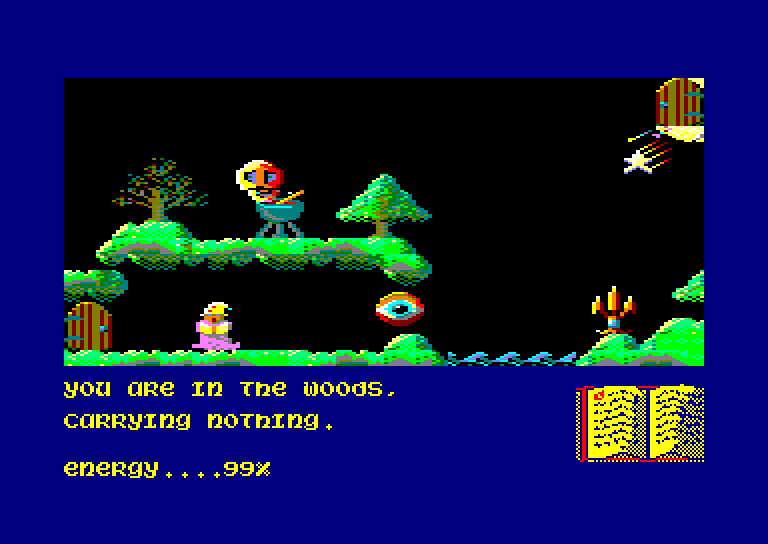
Sorcery (Virgin Games, 1984)
You fly a sorcerer from screen to screen, collecting the right objects to free your fellow sorcerers and defeat the evil Necromancer. Its colourful graphics made it one of the first games that really showed off what the CPC could do, and an expanded version, Sorcery+, followed in 1985.
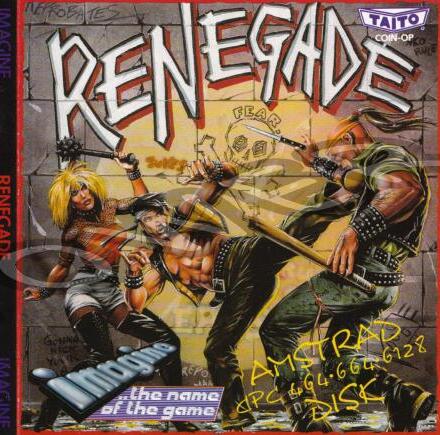
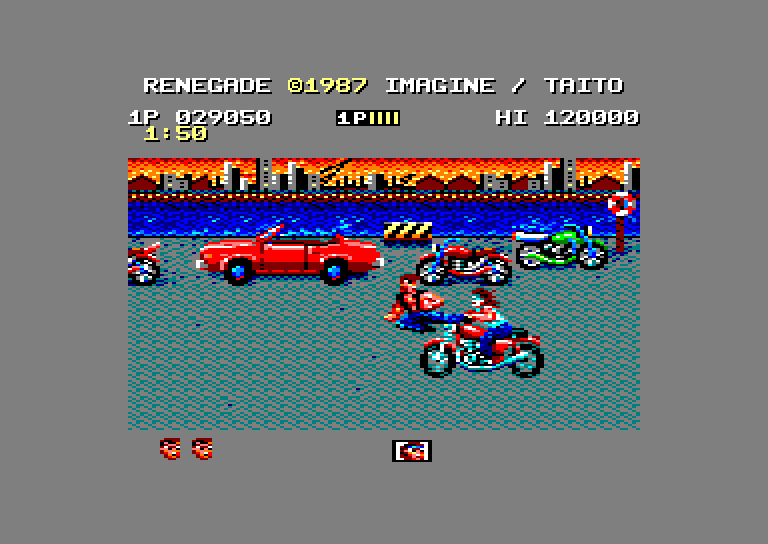
Renegade (Imagine, 1987)
A conversion of the 1986 Taito arcade beat ’em up. You fight your way through gangs on subway platforms, docks and back streets using punches, kicks and flying kicks. It was tough, and the CPC version captured the arcade feel well.
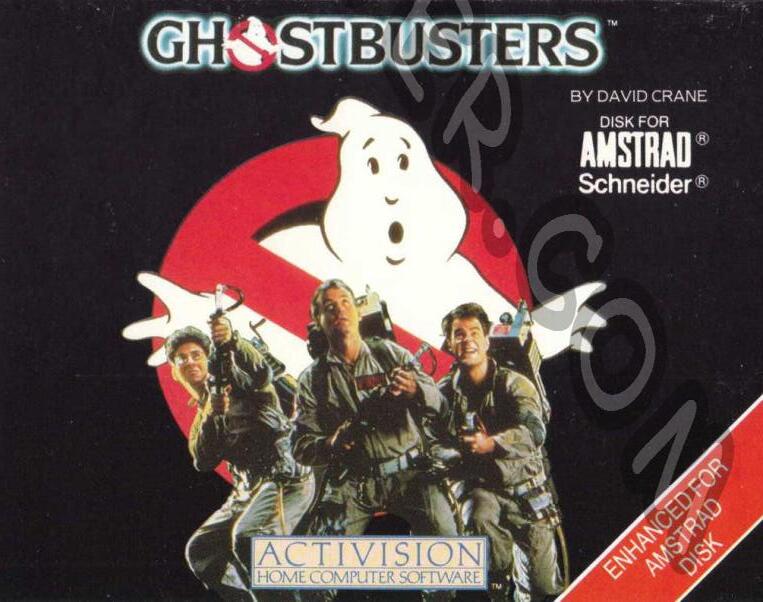
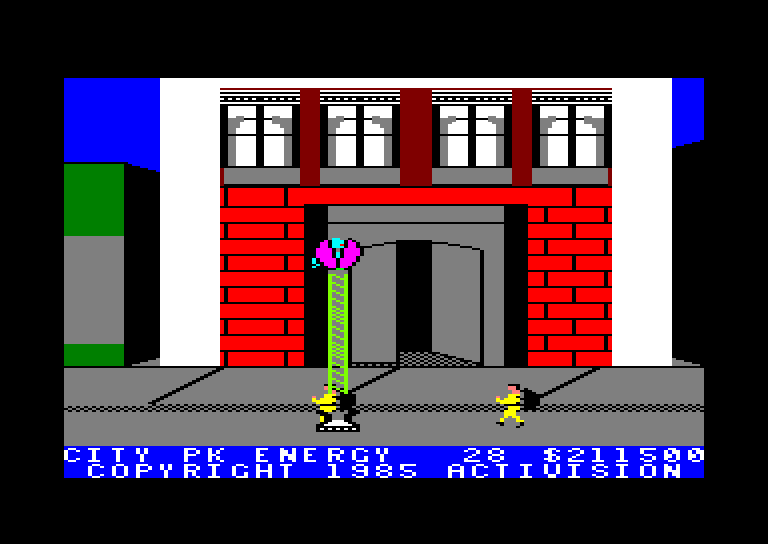
Ghostbusters (Activision, 1985)
Designed by David Crane and based on the film. You start a ghost-busting business, buy a car and equipment, drive around the city map trapping ghosts for cash, and try to stop the ghosts reaching the Temple of Zuul, all to that theme tune.
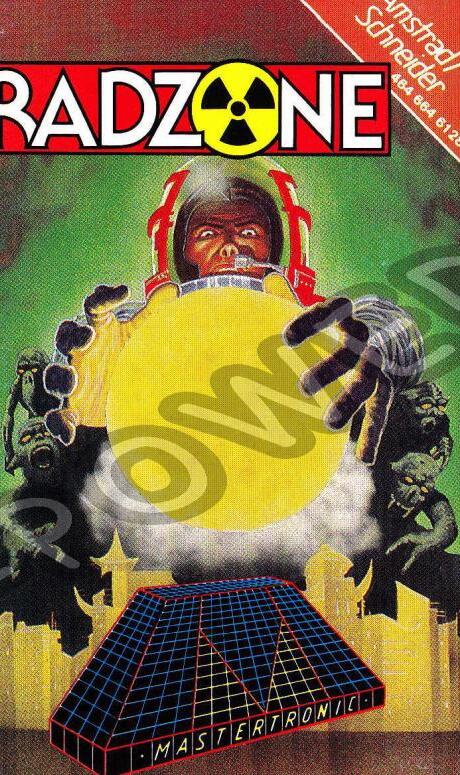
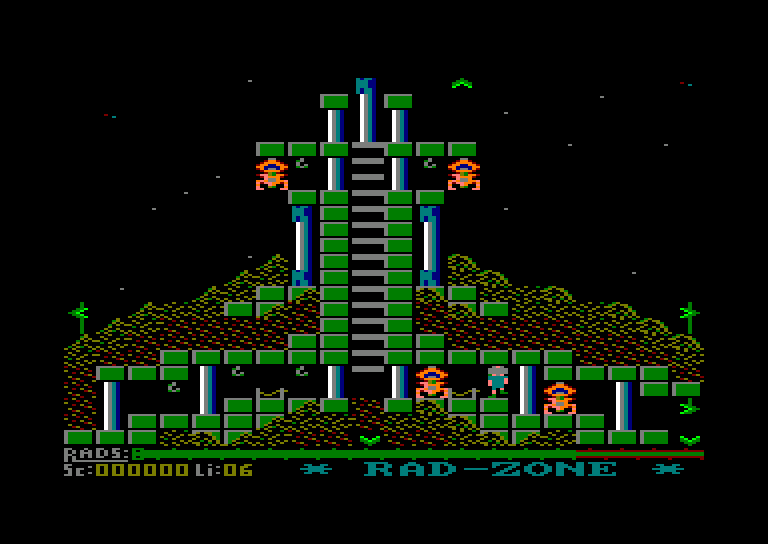
Radzone (Mastertronic, 1986)
A budget platform game written by Colin Hogg. A nuclear power unit on a newly colonised planetoid has gone critical, and you have to work your way through 42 screens collecting the radioactive objects to make the planet safe again.
…and many more. [Add any other favourites here.]
Try it yourself
You don’t need a real Amstrad to have a go. I’ve put an Amstrad CPC emulator on this site that runs in your web browser. It emulates the CPC 6128, so you’ll see Locomotive BASIC 1.1. Click Start without a game to get the Ready prompt:
Type each program in line by line, pressing Enter at the end of each line, then type RUN and press Enter. Type NEW before starting the next one to clear the old program.
Program 1: a counting loop
10 MODE 1
20 FOR i = 1 TO 10
30   PRINT "HELLO FROM THE AMSTRAD! "; i
40 NEXT i
This is a count-controlled loop (iteration), the same idea as for i in range(1, 11): in Python. MODE 1 clears the screen and sets the 40-column, 4-colour mode.
Program 2: MODE 0 colours and sound
10 MODE 0
20 FOR c = 1 TO 15
30   PEN c
40   PRINT "COLOUR "; c
50   SOUND 1, 100 + c * 20, 10
60 NEXT c
70 FOR n = 1 TO 200
80   PLOT 320, 200
90   DRAW RND * 640, RND * 400, INT(RND * 15) + 1
100 NEXT n
MODE 0 switches to the chunky 16-colour mode. PEN sets the text colour and SOUND plays a short note on channel 1 for each colour. PLOT and DRAW then draw lines in random colours from the centre of the screen to random points. Try changing the numbers and see what happens. That’s how I learned!
Did you have a CPC too? Leave a comment below with your favourite game. I’d love to hear about it.

.jpg)


